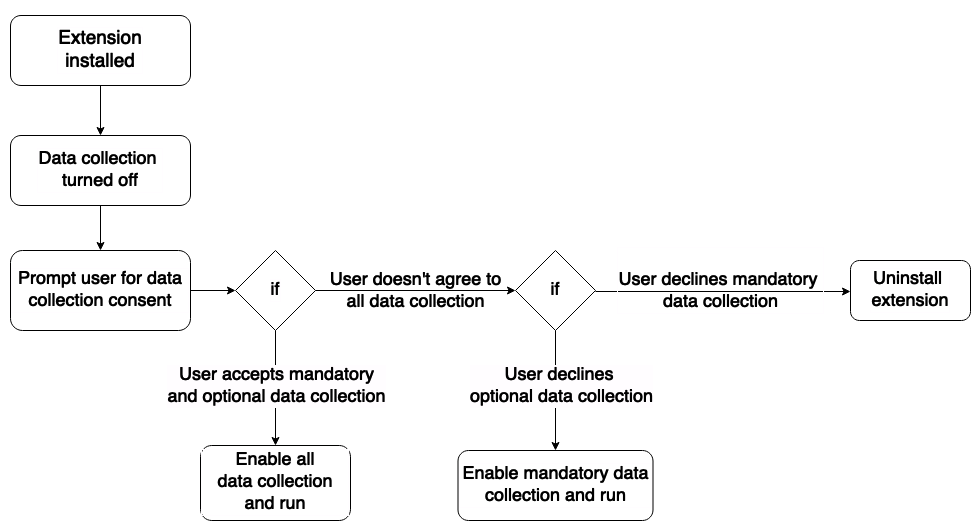
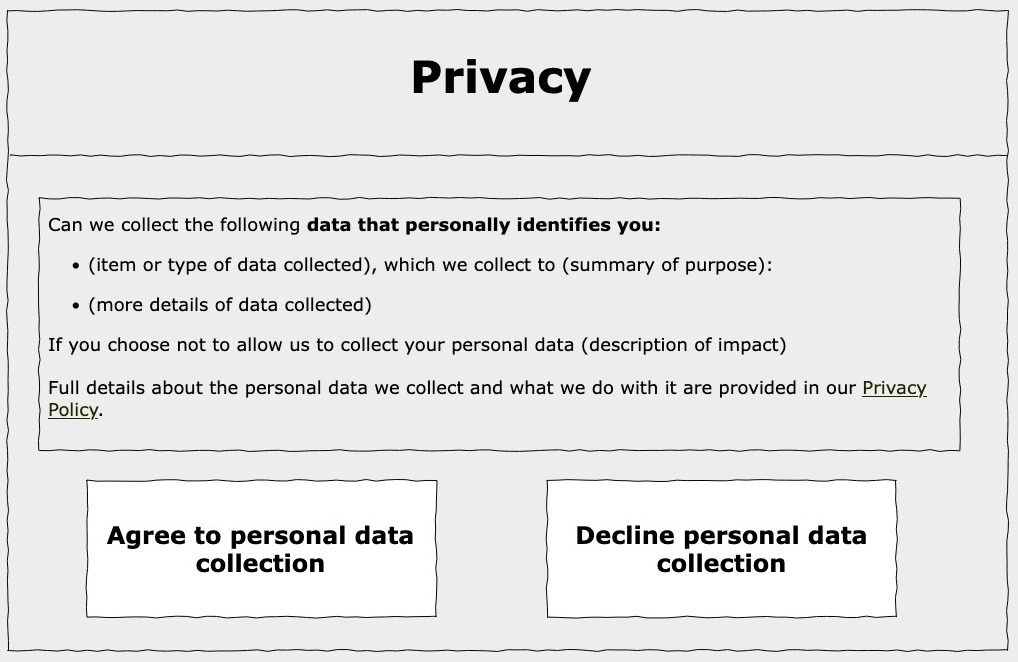
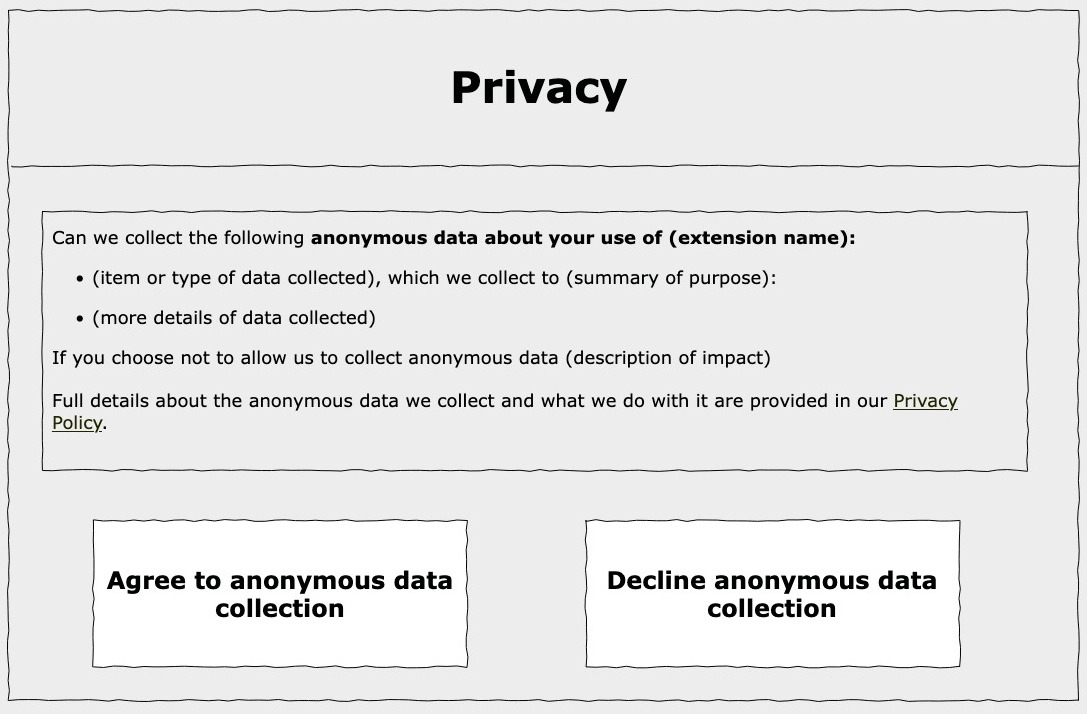
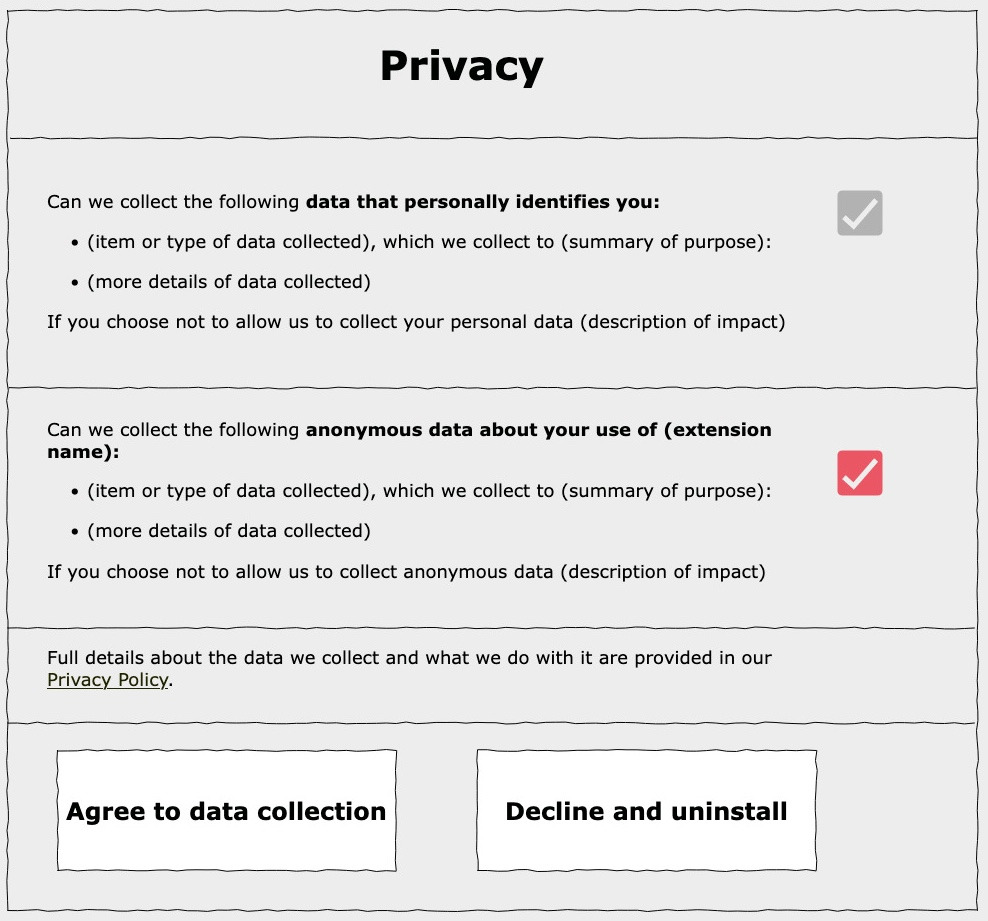
Prompt users for data and privacy consents
If your extension collects user data, it must comply with the requirement of the Data Collection and Transmission Disclosure and Control section of the Add-on Policies.
A common developer question about these policies is how to translate them into compliant browser extension features. This how-to is the result of those requests and offers advice on implementing prompts to meet the data collection and add-on policies. This article suggests how you can implement suitable prompts but it doesn’t replace or supersede the policies; you still need to confirm that your extension complies with the policies.
Firefox provides a built-in consent for data collection and transmission in Firefox for desktop 140 and later, and Firefox for Android 142 and later. See Firefox built-in consent for data collection and transmission.
If your extension is installed in an enterprise via the force_installed or normal_installed options in the ExtensionSettings enterprise policy, you must still implement the disclosure and consent experience in the add-on.
You can set a value via the 3rdparty enterprise policy and read it with storage.managed in the add-on to determine if consent is granted. You must display the disclosure and consent experience if the value is not set in storage.managed.